![dooap-logo-black-1.jpg]](https://help.dooap.com/hs-fs/hubfs/dooap-logo-black-1.jpg?height=40&name=dooap-logo-black-1.jpg)
Technical
- Dooap UI only release. This update corresponds with the Dooap package 1.2.17 for D365.
New Features
- When searching for an invoice number in Transfer to Payment, the invoice number will now be highlighted in the batch.
- Shortcut list updated with: D= current date when used in date fields and Arrow down = calendar when used in date fields.
- Journal number added to history log for non-PO invoices. Note: only invoices transferred after the release.
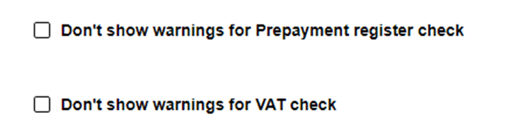
- For Finnish customers using VAT and Tax registry check, 2 check boxes added on Admin-> Vendor page
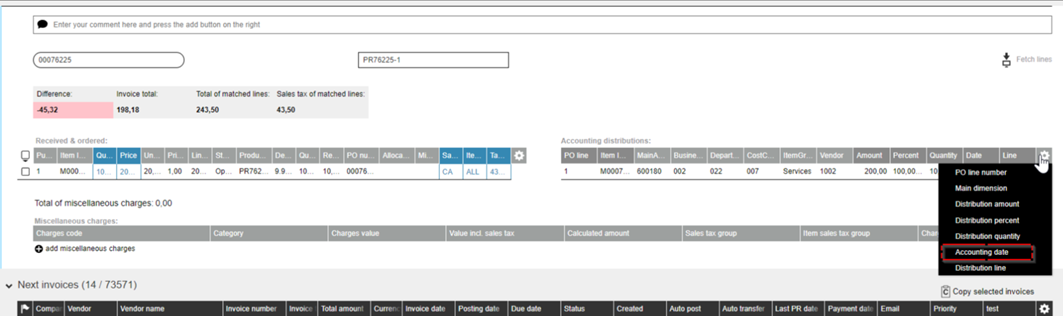
- Name of “Distribution date” column has been changed to “Accounting date” on accounting distribution table header line
- "Something went wrong" error messages as well as other error/warning messages can now be closed by pressing ESC button
- Changed the default text on comment field:

- Invoice import improvements to support bigger volumes
- Database performance improvements
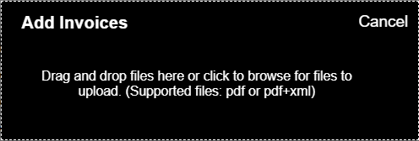
- Changed text on manual invoice import (i.e. +Add Invoices)
- Ability to set project coding as Vendor default (Admin -> Vendor page). When the setting enabled, all the incoming invoices will have a default Project coding line as opposed to a Ledger line.
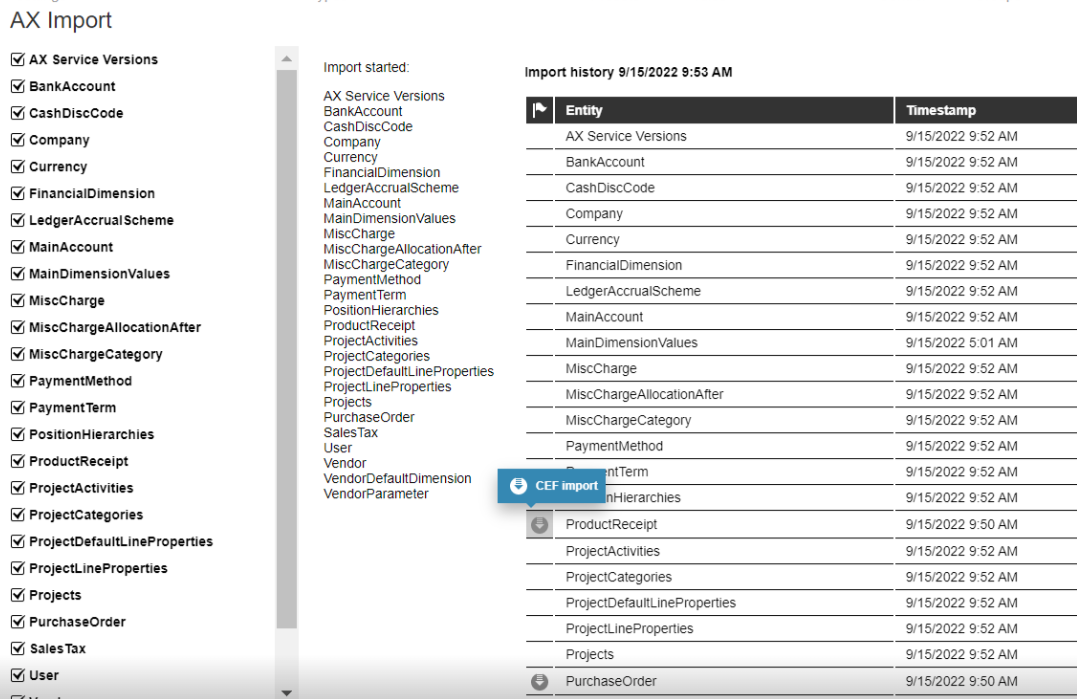
- We now show an icon for data values we are importing into Dooap database every 5 mins
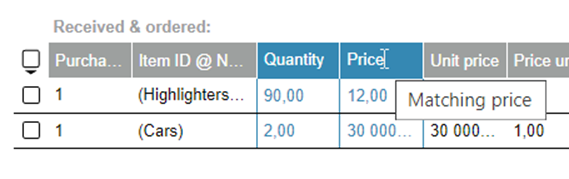
- Changed the text on the Matching quantity and Matching Price field on PO matching sceen. New text will read: Quantity and Price with hovers retaining the old names (Matching quantity and Matching Price)
Search 2.0
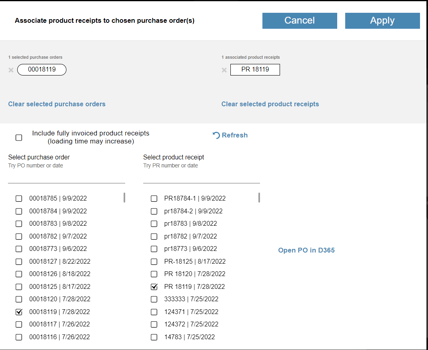
- "Open PO in D365" - link added to invoice matching screen
- Bank account number is visible when selecting it to an invoice
- Opening invoices which contain a # in the name, is now possible
- Custom fields added as search facets
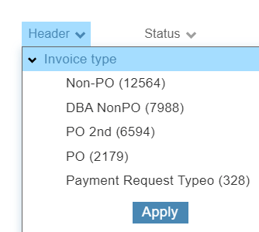
- "Apply" - button added to search facets. If facet list is too long scrolling should be done by using a mouse.
- "Cancel" and "Apply" buttons added in the PO matching screen
- Journal number added as a column for non PO invoices

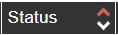
- Blue arrow removed when deselecting sorting order - red arrow indicates that sorting is in effect
- Sales tax is now editable on PO invoices
- Invoice status is now displayed properly in Finnish
Fixes
- Search:
- Sorting coding line keeps sorting when values are changed
- Summaries at PO invoices show now 2 decimals
- Changing invoice type asks for a confirmation
- Fixed bug when Accounting distributions drop downs did not correspond to the financial dimension names
- Fixed bug when changing company code was not possible if DB contained 2 similar company code names, for example FRS and FRSI.
- Auto-transfer field now visible on Payment Request screen
- On transfer page, selecting columns for one batch now applies to all transfer batches
- Fixed bug when user was not able to approve an invoice when chain delegation was present (user 1 has a delegate to user 2, user 2 has an active delegate for user 3)
- Fixed bug when delegation chain did not consider the periods of delegation and falsely announced that the person chosen as a delegate was away
- Conditional approval works now with split workflows
- Delegation dates in delegation window now match the workflow dates
Known Issues
- When Procurement category PO contains line discounts, invoices transferred to D365 stop in pending invoices
- Invoices with percentage based miscellaneous charges with taxes are posted with incorrect accounting distributions for those misc charges causing an over/under distributed error.