![dooap-logo-black-1.jpg]](https://help.dooap.com/hs-fs/hubfs/dooap-logo-black-1.jpg?height=40&name=dooap-logo-black-1.jpg)
Commenting is possible when the invoice is displayed in the Active invoices section. Comments can be added regardless of the invoice status.
Adding a comment
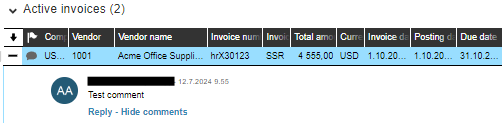
Type your comment to the field and click +Add button which will appear on the right side of the field, after you will start typing.

The comment will be added with a timestamp and the commentor's name.
Replying to a comment
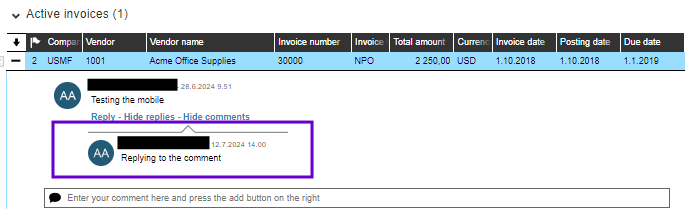
It is possible to reply to a comment. To do so, click Reply, type your comment and click Add reply.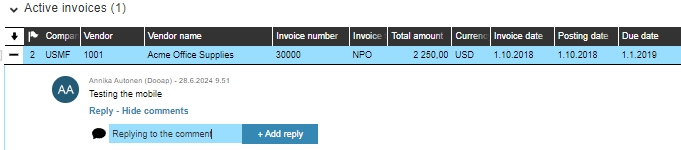
The reply is also added with a timestamp.