![dooap-logo-black-1.jpg]](https://help.dooap.com/hs-fs/hubfs/dooap-logo-black-1.jpg?height=40&name=dooap-logo-black-1.jpg)
Invoice escalation automatically moves an invoice forward when the person who is supposed to act on it doesn't do so within a set number of days. Instead of an invoice sitting indefinitely in someone's queue while they're out of office or simply haven't gotten to it, Dooap can hand the step to that person's supervisor and keep the invoice moving.
Enabling Invoice Escalation
Contact Dooap Support via email support@dooap.com to enable the feature.
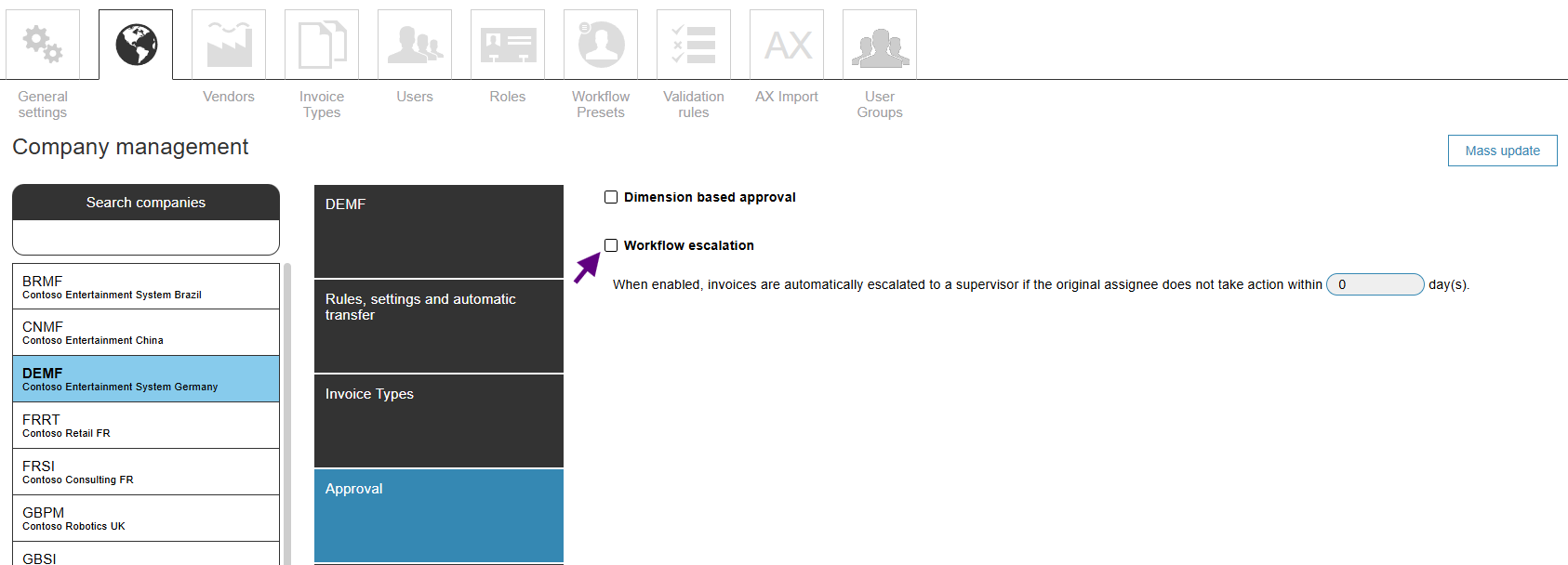
Once the feature is enabled, it can be activated per company in Dooap Admin > Companies > Approval section.
In that section, you should also define how many days an invoice can sit inactive at a step before it escalates.
Setting up supervisors
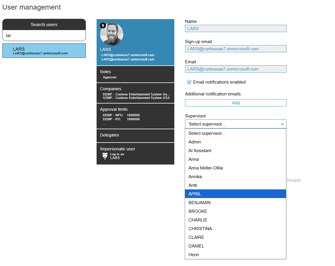
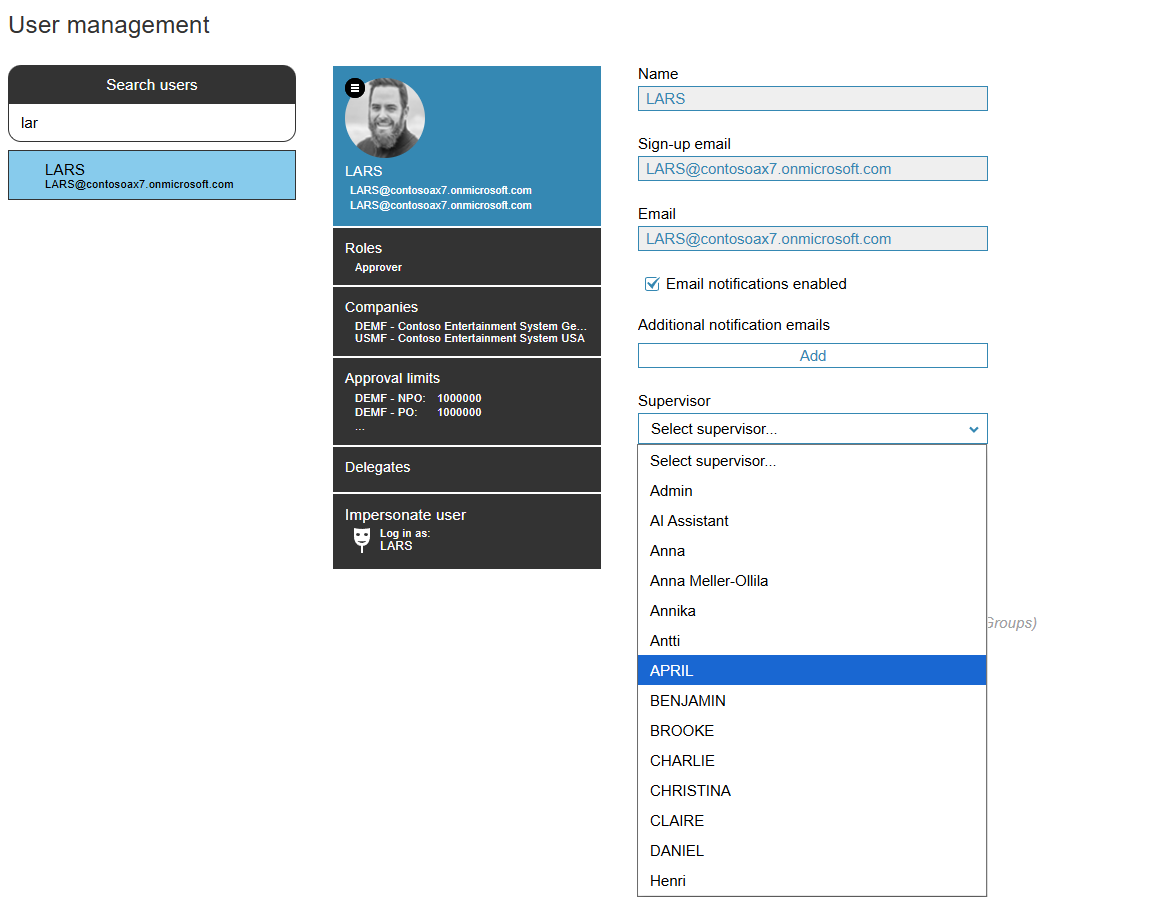
- Assign supervisors: each user can be assigned a supervisor, who becomes the escalation target for that user's steps. Go to User Management to set a user's supervisor.
- Position Hierarchy customers: if your workflow uses D365 Position Hierarchy, supervisors are read directly from the hierarchy — you do not need to assign them manually.
How escalation works
When an invoice has been inactive at a user's step for longer than the configured number of days:
- Dooap automatically approves (moves past) that step for the inactive user.
- A new step is created for the user's supervisor, who now has the invoice in their queue.
Escalation does not apply to every step:
- Invoices at the AP step are never escalated.
- Invoices that are on hold are never escalated.
Returning an escalated invoice
If an invoice needs to go backward after it has escalated, there are two options when returning it:
- Return to previous — skips the escalated step(s) entirely and sends the invoice back to the original, non-escalated user.
- Return to user — lets you choose among the escalated steps, in case you need to send it back to the supervisor who received it via escalation.
Audit trail
Every escalation attempt is recorded in the invoice's history log — whether the invoice was successfully escalated or the escalation attempt failed.