![dooap-logo-black-1.jpg]](https://help.dooap.com/hs-fs/hubfs/dooap-logo-black-1.jpg?height=40&name=dooap-logo-black-1.jpg)
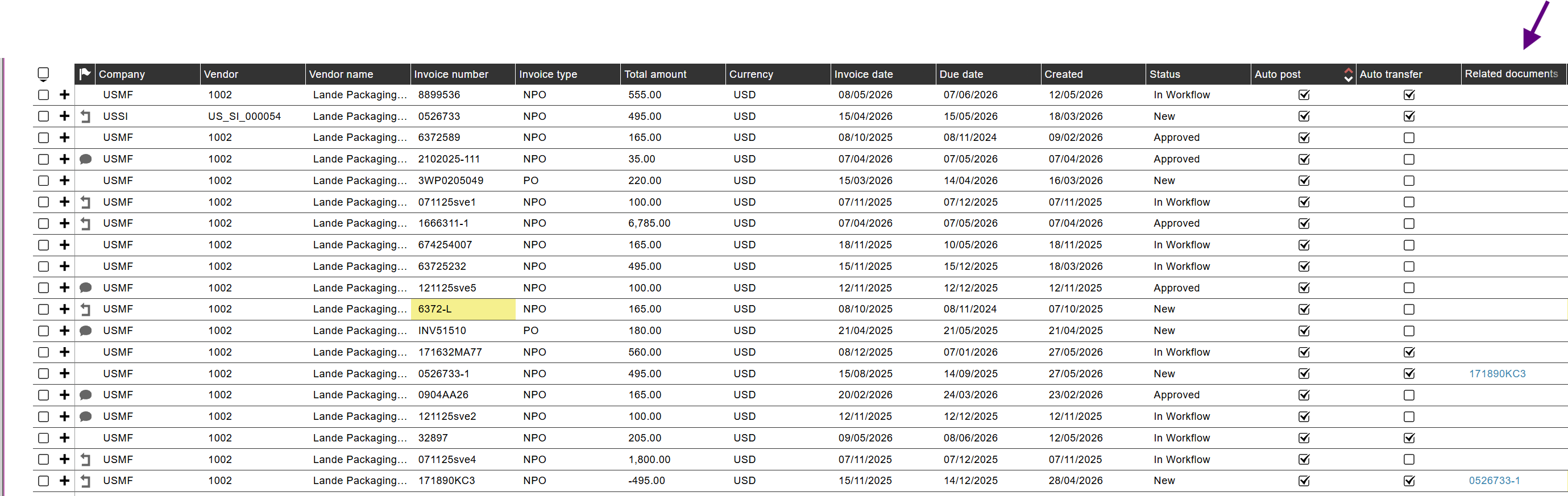
Use this feature to link related invoices, such as a credit note to the original invoice. Linked invoices are shown in the related documents field.
Link invoices on the invoice handling page
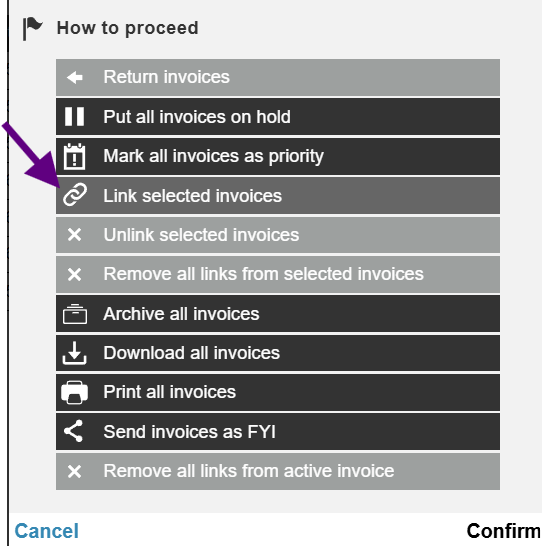
Select the invoices you want to link as active invoices.

Click the three dots on the right side and choose "Link selected invoices".
Link invoices in Search view
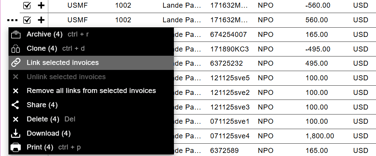
Select the invoices in the search results, click the three dots, and then select "Link selected invoices".
Related documents header field
The Related documents field shows the invoice number of the invoice linked to that invoice.
If the column is not visible, you can enable it by clicking the settings wheel in the header row. The same applies to all sections on the handling page and in Search view.

Search view